How do I track sleep from my Apple Watch with Cradle?
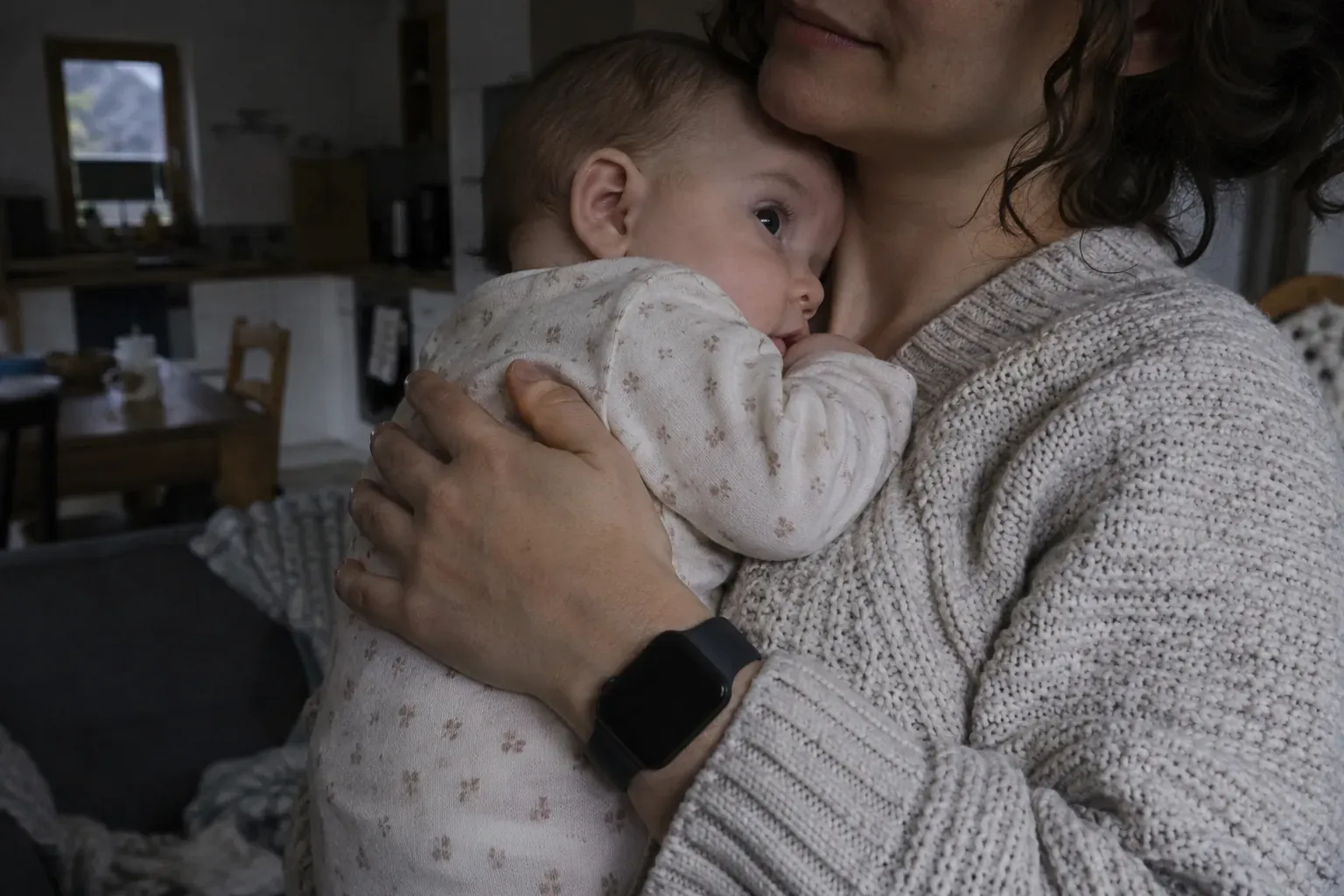
To track sleep from your Apple Watch with Cradle, open Cradle on your paired iPhone and sign in, open the Cradle companion on the watch and choose your baby, then use the logging view to start sleep when your baby settles and end it when they wake. The entry lands in the same care record as the phone app, so the timeline, the trends and any nap window treat it like any other sleep.
Cradle: Baby Sleep Tracker by Zorest is an iPhone and iPad app with an Apple Watch companion. The companion works alongside Cradle on your paired iPhone rather than on its own, which explains most of the setup below. It is included with the subscription, along with the rest of the app (see the pricing page).
What do I need before the watch can log sleep?
- Cradle installed and signed in on an iPhone. The iPhone app requires iOS 16.6 or later.
- An Apple Watch paired with that iPhone, with the Cradle companion on it.
- A baby profile in Cradle. The companion asks you to choose a baby before you log anything.
Signing in happens on the iPhone. If the watch ever asks you to sign in, open Cradle on the iPhone and sign in there.
How do I set up the Apple Watch companion?
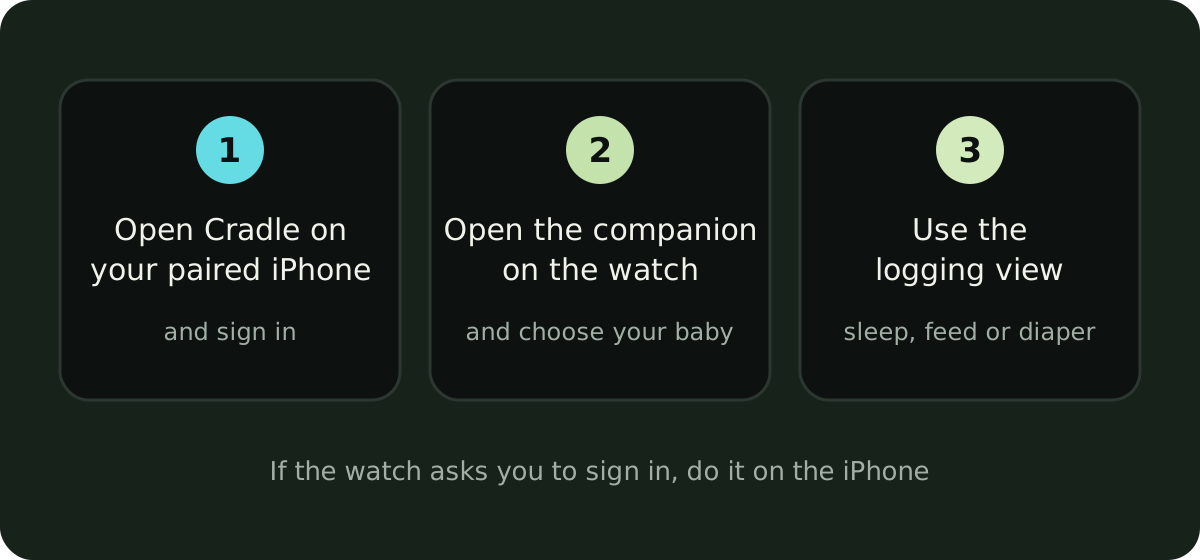
- Open Cradle on your paired iPhone and sign in.
- Open the Cradle companion on your Apple Watch and choose your baby.
- Use the logging view to record sleep, a feed or a diaper change.
Once the companion has loaded your baby’s day, the next nap can be logged from the watch alone.
How do I start and end sleep from my wrist?
In the logging view, start sleep when your baby settles. The companion shows your baby’s current sleep state, so a glance tells you whether a nap is running. When they wake, end the sleep from the watch. The nap is now a completed record with a start and an end, the same as if you had used the phone.
Remember to end it. A nap that is started and never ended stays running in the app, and for eligible babies an active sleep session blocks the next nap window. Stopping the timer the moment your baby wakes, with the hand that isn’t holding them, keeps the current state accurate.
What else can I log from the watch?
Besides sleep, the companion lets you record nursing, add a bottle and log a diaper change. You can also check your baby’s current sleep state, the last feed, the last diaper and today’s sleep.
Anything else, such as pumping, solids, medicine, temperature, mood or notes, is logged in the phone app.
I track more than one baby. How do I keep their records separate?
Each baby has a separate profile, and the watch logs to whichever baby you chose. Choose the correct baby before logging when you track more than one, and check it again after switching, so one child’s nap doesn’t end up in the other’s record.
Why is the watch asking me to sign in, or not loading the day?
Two things can get in the way, and both are fixed from the phone:
- If the watch asks you to sign in, open Cradle on your iPhone and sign in there.
- If your baby’s day cannot load, check your connection and try again.
If the watch still shows nothing, log the nap on the phone so the record stays complete, then return to the watch later.
How do I confirm a watch entry was recorded?
Review your phone’s timeline. The daily timeline shows events in order, and a sleep started or ended on the watch appears there alongside everything logged on the phone. If a time looks wrong, open the day and edit the record.
If someone else in your baby’s nursery also uses the companion, their watch entries land in the same shared timeline. For the basics of logging on the phone first, see how to start tracking your baby’s sleep in Cradle. If you are still choosing an app, our roundup of baby tracker apps for Apple Watch compares what several apps offer on the wrist, and the sleep tracking guide has the full Apple Watch section.
Sources
This article is for general education and is not medical advice. Talk to your pediatrician about your baby's health.