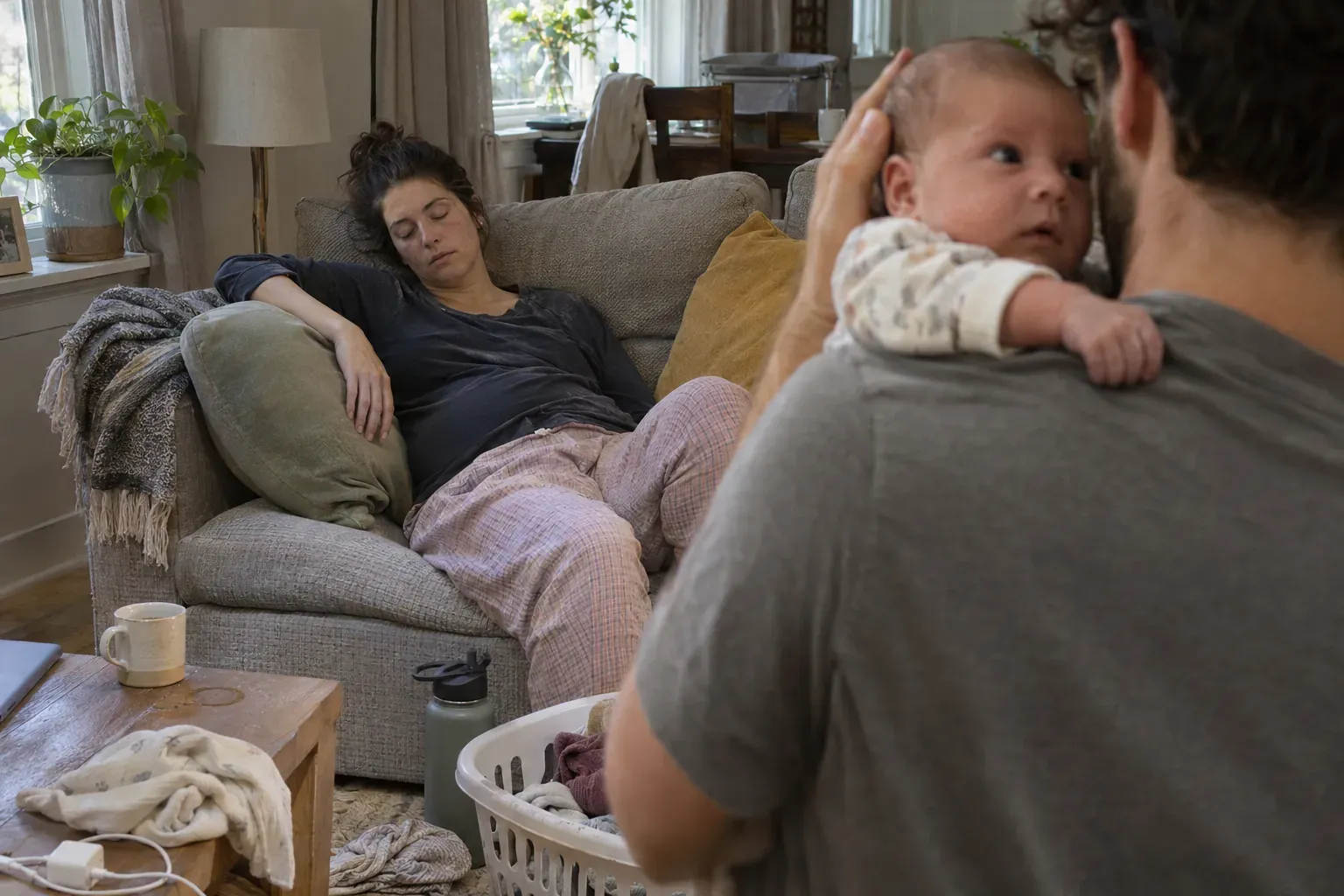
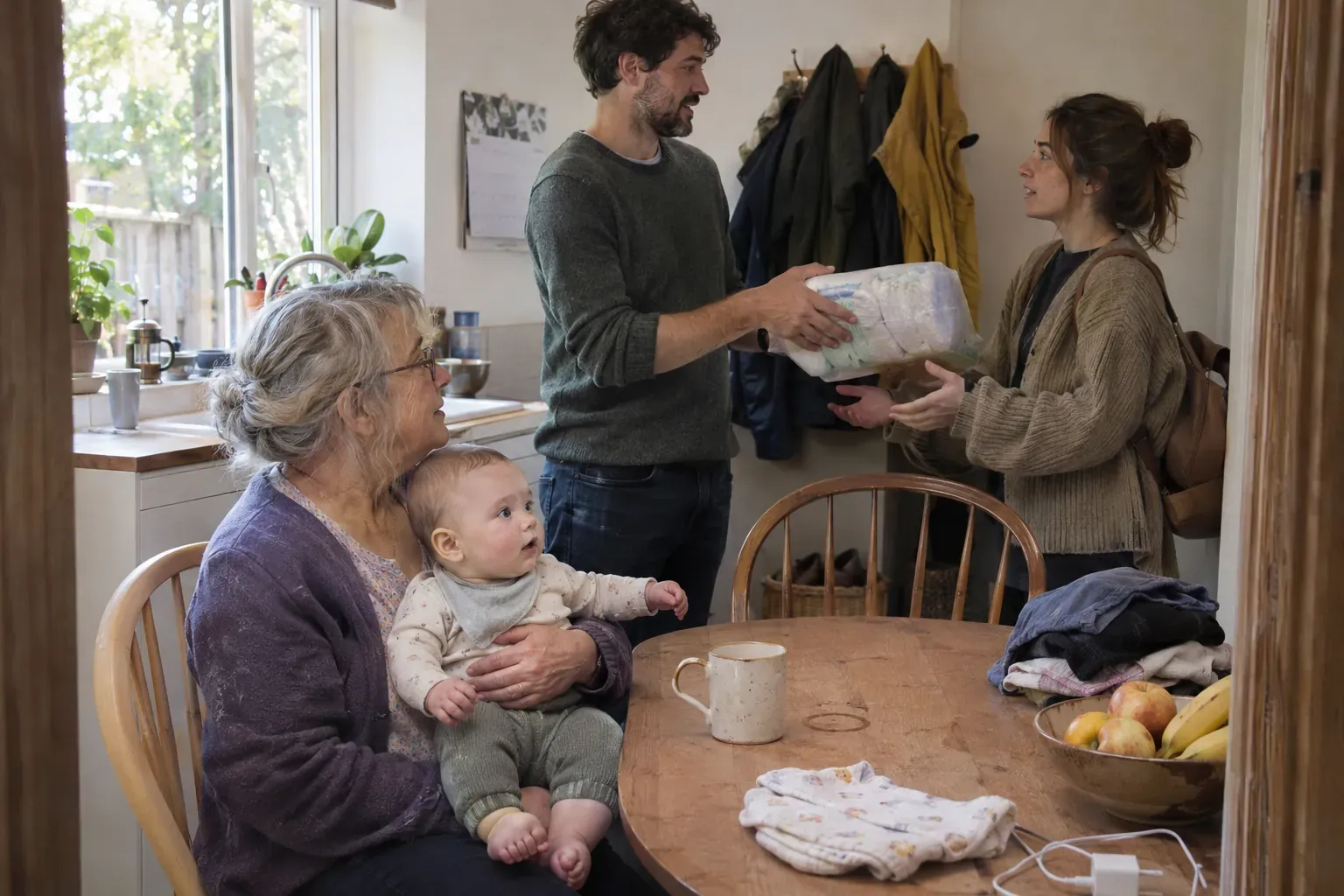
How do I hand over to the next caregiver with Cradle?
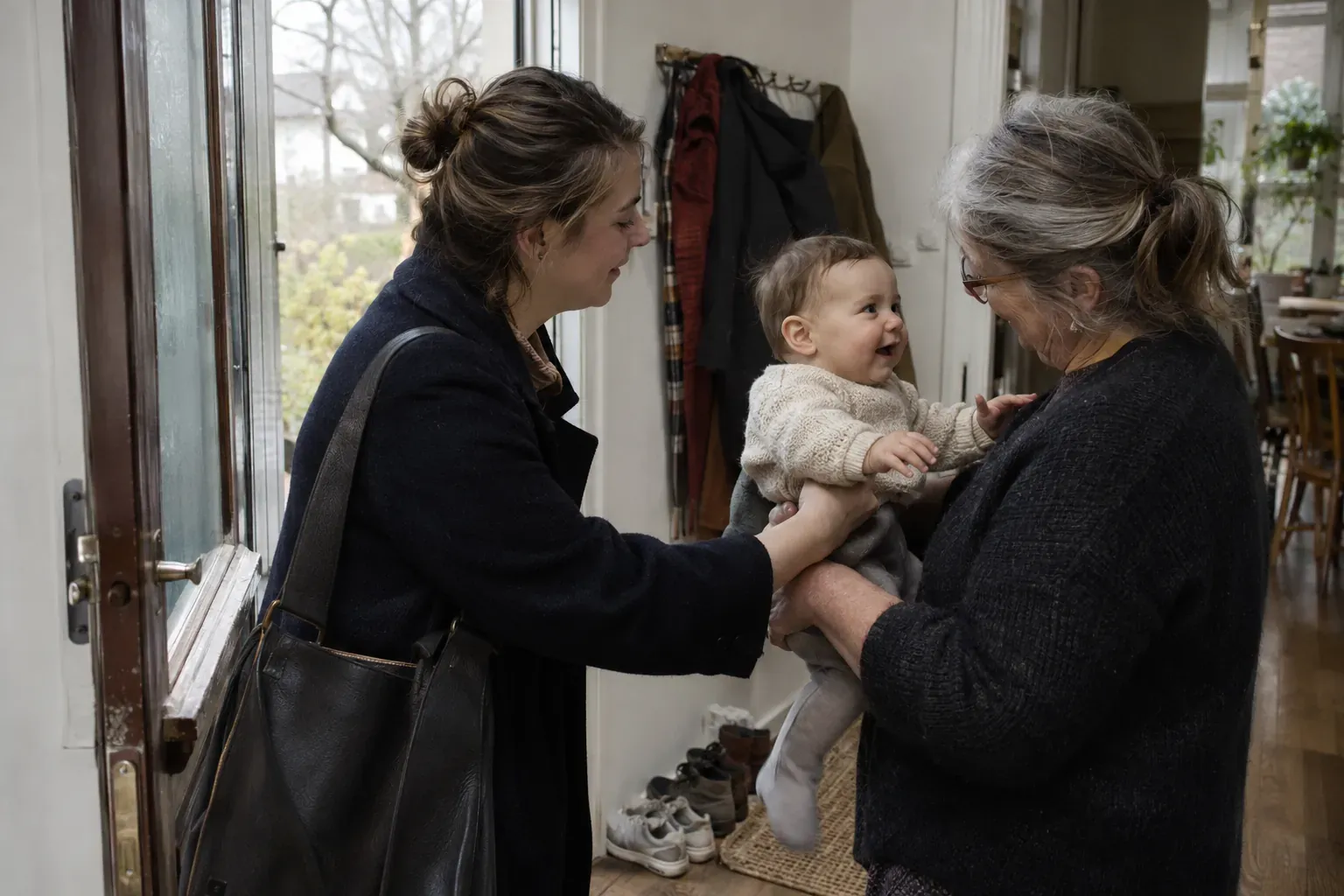
To hand over to the next caregiver with Cradle, check the latest sleep, feed and diaper entries before you take over, and log a new care moment before you leave so the person after you has the same context. Because everyone caring for the baby is in one shared log, the timeline puts every entry in order, and a question like “when was the last bottle?” has an answer in the app rather than in someone’s memory.
This post assumes the baby’s log is already shared. If you haven’t invited anyone yet, start with how to invite a partner or caregiver. Cradle: Baby Sleep Tracker by Zorest runs on iPhone and iPad with an Apple Watch companion, and the invited caregiver doesn’t need their own subscription (more on that below).
What should I check before I take over?
Open the baby’s timeline and look at the three things that shape the next hour: the last sleep, the last feed and the last diaper. Cradle shows how long the baby has been awake or asleep alongside the last feed and diaper change, so the first glance answers “is a nap due?” and “is a feed due?” before you read a single entry.
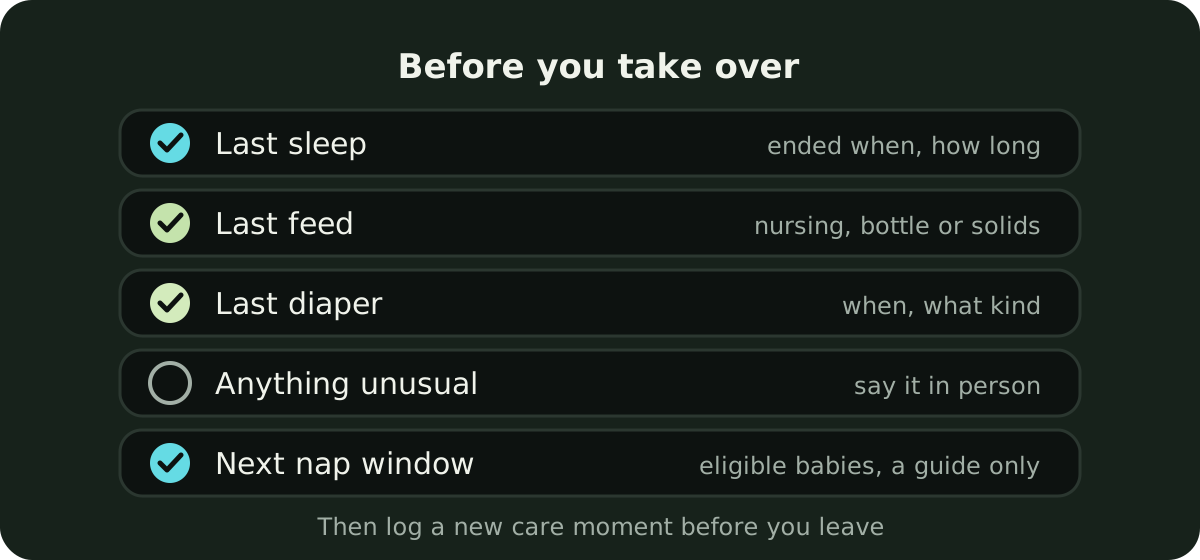
- Last sleep: when it ended, and how long it was. A short nap often means an earlier next one.
- Last feed: nursing, bottle or solids, and when.
- Last diaper: when, and what kind.
- Anything unusual: ask the person leaving.
- Next nap window, if the baby is eligible and one is showing. Read it as a time to offer a nap, not a deadline.
Nap windows are available for eligible babies aged two to under 25 months with suitable sleep history. For younger babies, or when no window shows, the last sleep and the current awake time do the same job.
What should I log before I leave?
A new care moment. If the baby just fed, log the feed. If you changed them on the way out, log the diaper. If they are asleep when the handover happens, make sure the sleep timer is running so the next caregiver can end it at the real wake time. If they are awake, make sure the last sleep has been ended with the right time.
The current sleep state is the entry most worth getting right. An entry logged late is better than none, and the record can be edited afterwards, but a nap that is still “running” an hour after the baby woke confuses everyone who looks at the timeline next.
How do I answer “when was the last bottle?”
Scroll the timeline. It puts entries in order, so the last bottle, the last nursing session and the last diaper are where you expect them, with their times. Pumping, solids, medicine, temperature, mood and notes can live in the same record, so a note about a half-finished bottle sits next to the bottle itself.
A text message says “fed at 2”. The timeline says what kind of feed, and what happened since.
Can I get a notification when the other caregiver logs a nap?
Yes. Each person chooses whether to receive sleep updates when another caregiver logs sleep. A parent at work can turn them on to follow the day; the caregiver on duty can leave them off. You can also create one-off or daily care reminders, which is handy for a task that belongs to a particular shift, such as a medicine due at a set time.
If you have the iPhone with you, Live Activities let you follow a running nap on the Lock Screen, so a nap that started before the handover can be watched without opening the app.
What if we care for more than one baby?
Keep a separate profile for each baby. Before you review a timeline or add an entry, switch to the baby you are caring for, so one child’s naps and feeds stay with the right record. A quick check of which baby is selected before logging saves a confusing correction later.
Does the next caregiver need a subscription?
No. The active subscription of the parent who added the baby covers invited caregivers using that baby’s shared log. If that subscription stops being active, shared access can pause until it is active again. The pricing page has the details.
What should I say in person that the app won’t carry?
The log holds times well. It holds judgement less well, so a sentence at the door still helps:
- How the baby seemed. Cradle has mood and notes entries, but the person leaving usually has a feel for the day that a tag doesn’t capture.
- Anything unusual: a feed that was refused, or a temperature you took. Anything that might need a pediatrician’s opinion should be said out loud rather than left in a note.
- What worked for settling them.
None of this is something the app does; it is a habit worth keeping. With the facts already in the timeline, the conversation at the door can be about the baby. The shared baby tracking guide covers invitations, access and notification choices, and if a grandparent or nanny is the one joining, our roundup of baby tracker apps for nannies and grandparents looks at what makes a shared log easy for someone who didn’t set it up.
Sources
This article is for general education and is not medical advice. Talk to your pediatrician about your baby's health.